Simplified-Traditional Chinese Converter | Supports Specialized Vocabulary Conversion
A free offline tool for converting between Simplified and Traditional Chinese with region-specific terminology support for Hong Kong, Macau, and Taiwan.
I. Simplified-Traditional Converter
I believe many readers who have business in Hong Kong, Macau, and Taiwan may have encountered the烦恼 of differences between Simplified and Traditional Chinese, as well as varying terminology across the three regions.
Traditional characters are easy enough; input methods have shortcut keys to switch between Simplified and Traditional.
However, differences in some terminology can cause certain difficulties.
Especially when serving as customer service for games in the Taiwan region, one might inadvertently reveal their mainland identity.
Although Word or Excel have Simplified-Traditional conversion functions, they cannot select the corresponding region for terminology.
Some translators also require an internet connection to use, which may pose confidentiality risks.
Therefore, I created this small software for轻松 and simple text conversion.
It is entirely based on local functionality, requiring no data to be sent to external servers for use, and the conversion speed is at the millisecond level (only related to computer performance).
II. Download Link
Download link (Github Release; if direct download is not possible, you can also try using tools like Xunlei):
https://github.com/ByronLeeeee/Easy-Simplified-Traditional-Converter/releases/download/main/easy-ST-Converter-x64.zipThe code is also open source on Github:
https://github.com/ByronLeeeee/Easy-Simplified-Traditional-ConverterIII. Instructions
As the name suggests, it is simple and easy to use.
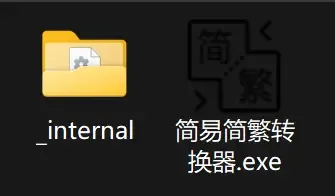
After extracting the compressed package, simply run Easy-ST-Converter.exe(or run main.py from the source code)to start the software.
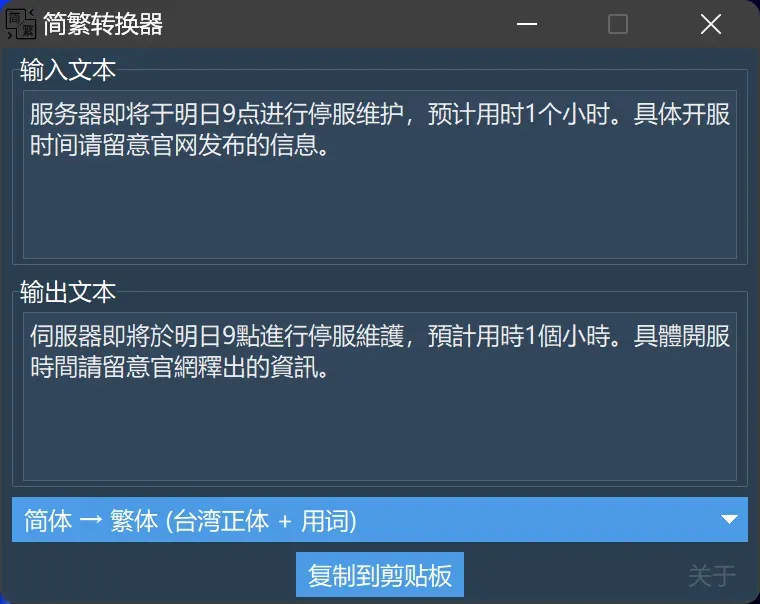
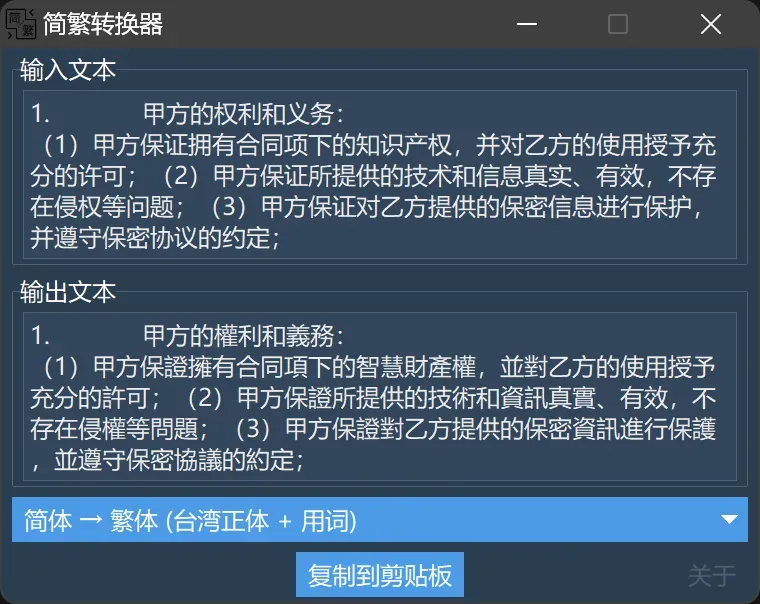
When using, simply input text in the input box, and it will automatically convert in real time.
There is no limit on the length of input text, and you can preview the results using the mouse scroll wheel.
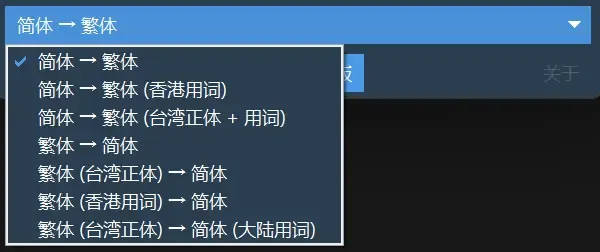
In the dropdown menu, you can select the desired conversion mode (the result will automatically convert again upon selection). Currently supported modes include:
Then click the Copy to Clipboard button to easily copy and paste it wherever you want.
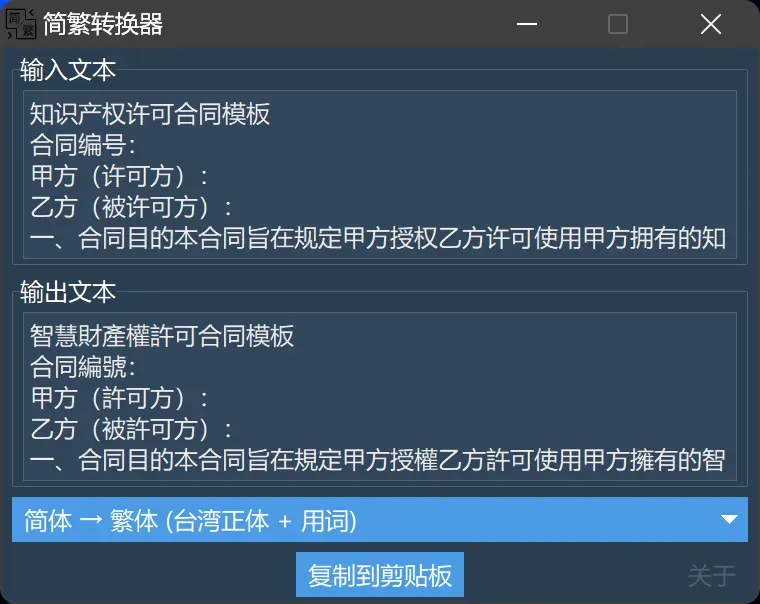
It can also be used for translating contracts used in the Hong Kong, Macau, and Taiwan regions:
Welcome to use and provide feedback.