Adding Agent Capabilities to Word/WPS! | WordOllama 2.0 Update!
Introducing the WordOllama 2.0 update, featuring the new Agent panel, SKILL import, and silent review functionality, enabling Word/WPS with AI-powered autonomous contract editing, document review, and local model support.
WordOllama, after a long hiatus, is finally updated!
What is WordOllama? See the previous introduction:
【WordOllama】Launch | Adding AI to Word | Local Models, ChatGPT, and Domestic LLMs Supported
Using AI on WPS for “Free” | Integrating WordOllama with WPS
This time, Agent functionality has been officially introduced.
The version number has also reached 2.X.
It’s time to let Word edit contracts on its own.
*This article represents the author’s personal views only and does not constitute legal advice.
1. New Features
Underlying code refactoring, UI optimizations, and save setting improvements (settings should no longer mysteriously disappear) — these “barely perceptible” enhancements won’t be detailed here. Let’s focus on the newly added Agent features:
Agent Panel
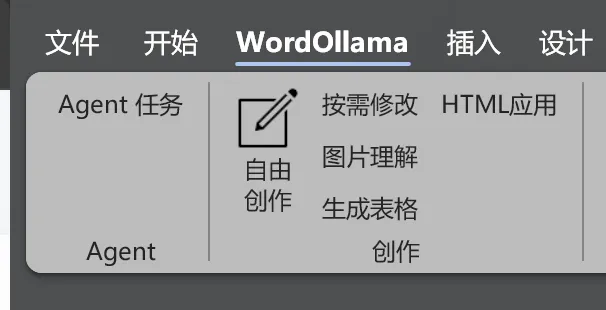
Simply open the [Agent Task] button on the far left to access the Agent panel.
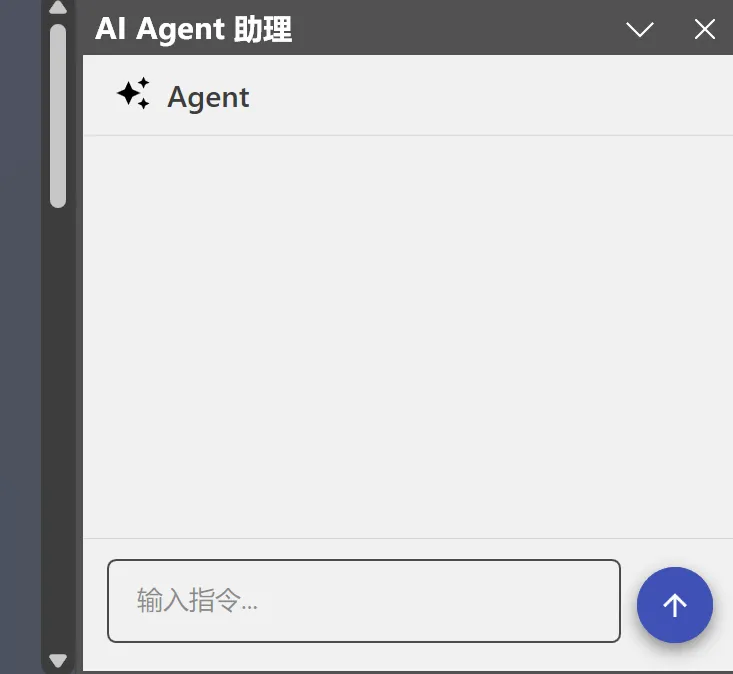
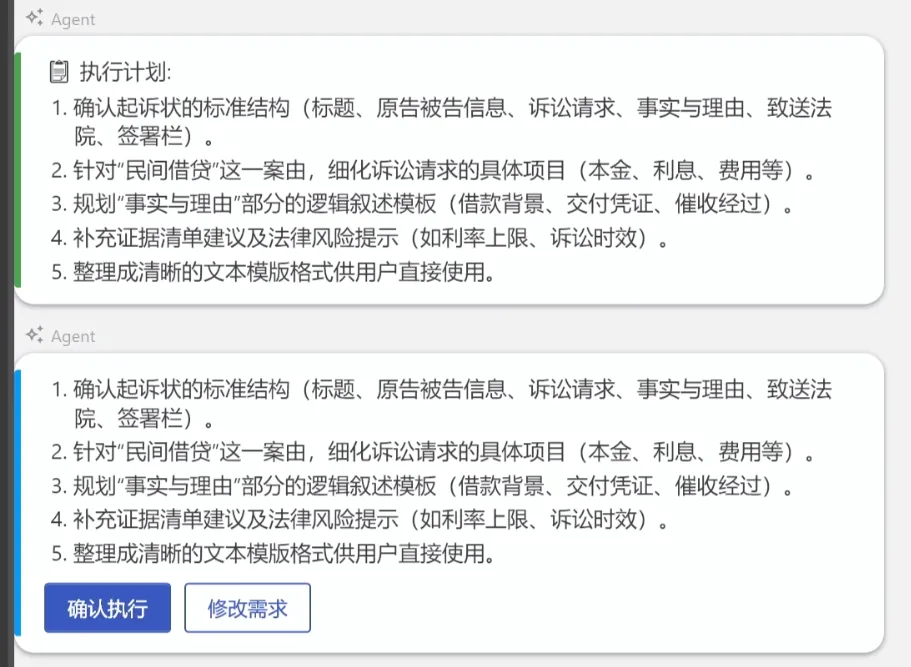
Like other Agent software, just enter the task you want the Agent to perform in the input box, and the Agent will automatically plan and execute.
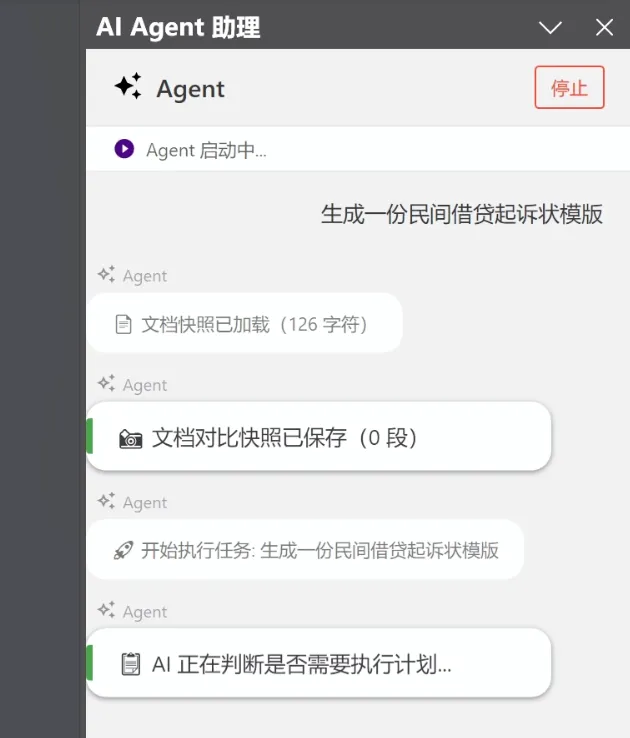
I exposed what should be a “theoretically sufficient” set of Word capabilities to the Agent.
The AI can automatically invoke relevant capabilities to manipulate documents based on the task requirements.
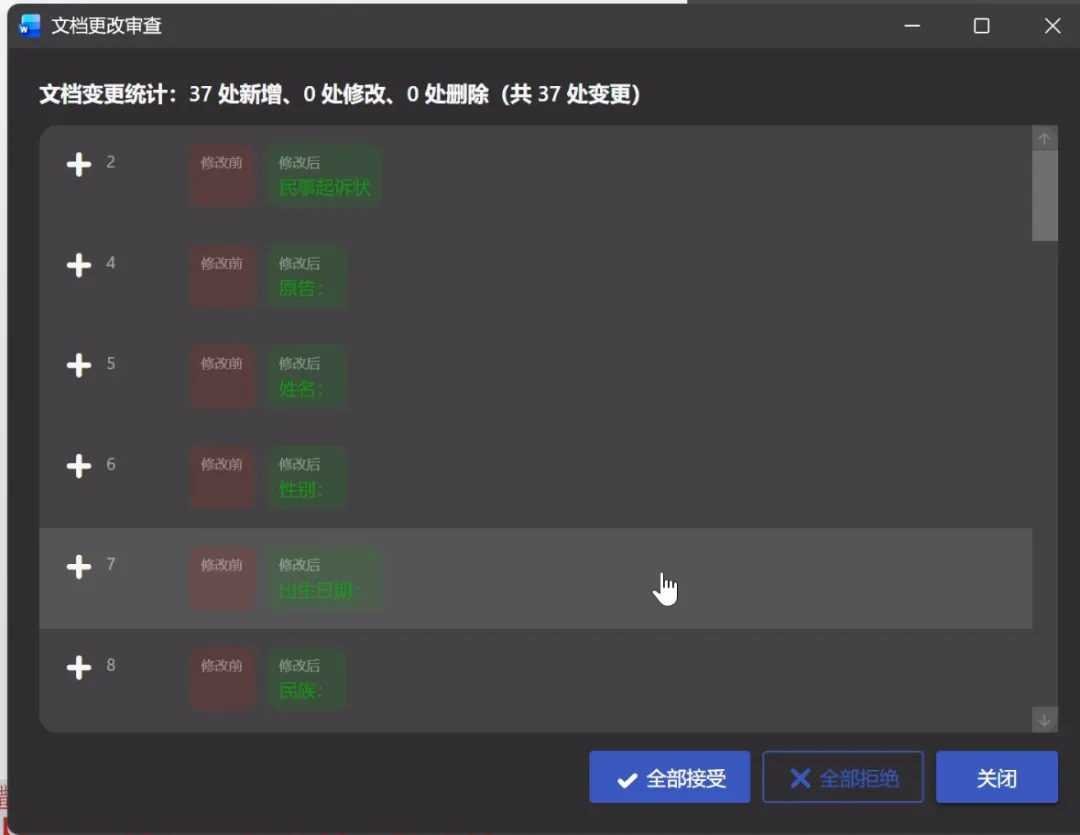
If the AI is asked to modify content, it defaults to using track changes mode for easy post-review. After editing, there’s also a change review panel to review results at a glance.
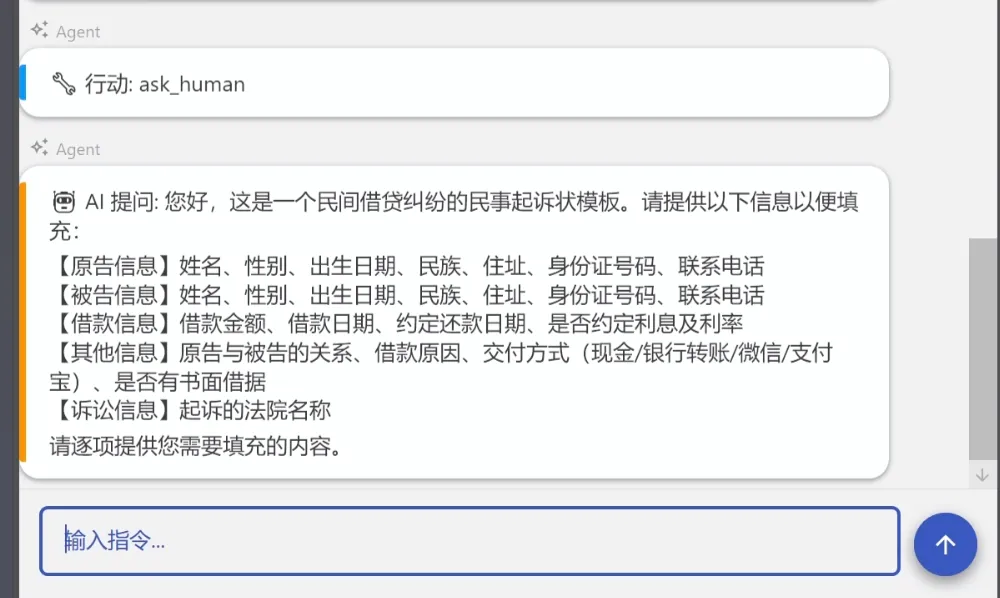
Critical steps and dangerous actions require user approval. When the AI encounters something it cannot confirm, it proactively asks the user, and only proceeds after receiving a response.
Basically, the goal was to deliver a proper Agent experience.
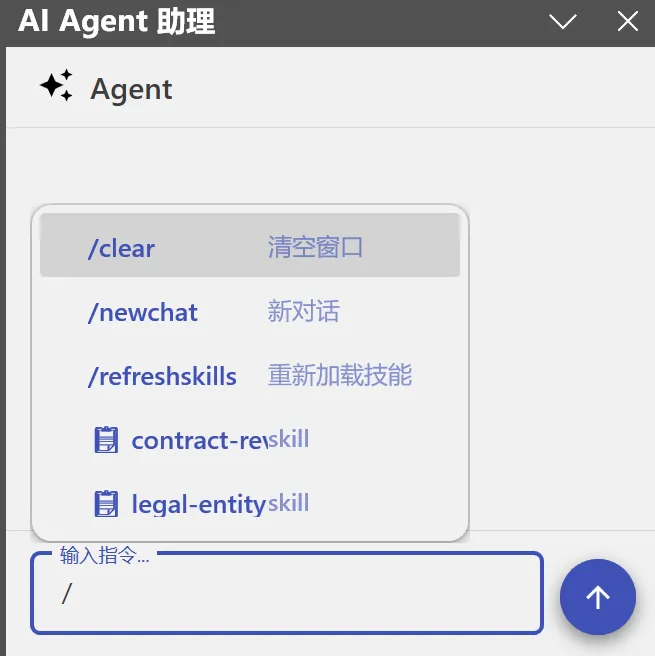
Slash commands are also supported:

If you want to see the performance, here’s the speed of the local model (Qwen3.6B 35B A3B) — the GIF is not sped up:
SKILL
Speaking of Agents, another important feature is SKILL.
I’ve also added SKILL functionality to the Agent.
In settings, you can import standard-compliant SKILLs.
Both ZIP packages and folders work fine.
Click refresh to see the imported SKILLs.
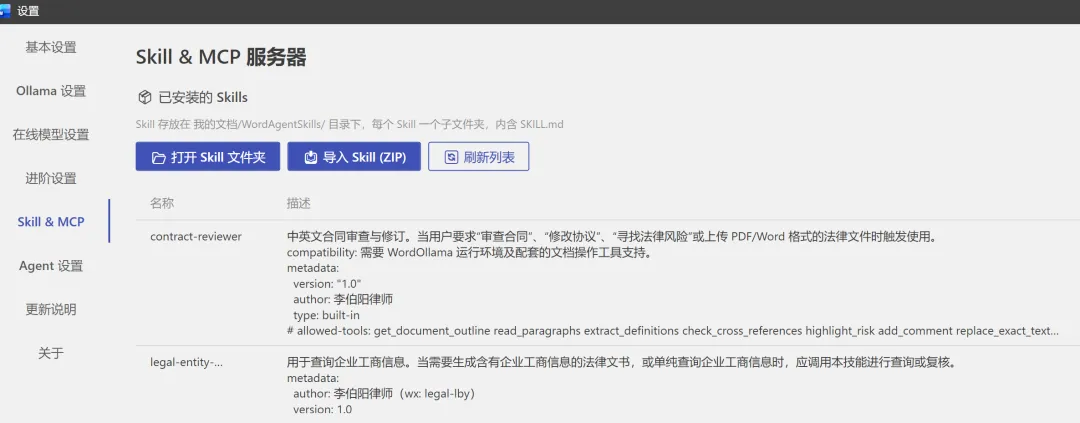
There are two ways to use SKILLs:
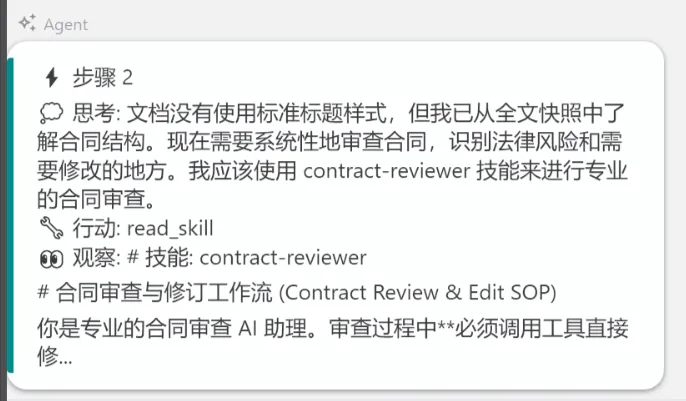
One is to let the AI choose as needed:
The other is to use slash commands to list SKILLs and select one for the AI to use.
Both normative SKILLs and functional SKILLs can be imported.
In fact, I’ve even given Word terminal capabilities this time, meaning the Agent can directly invoke SKILLs that contain Python or other code:
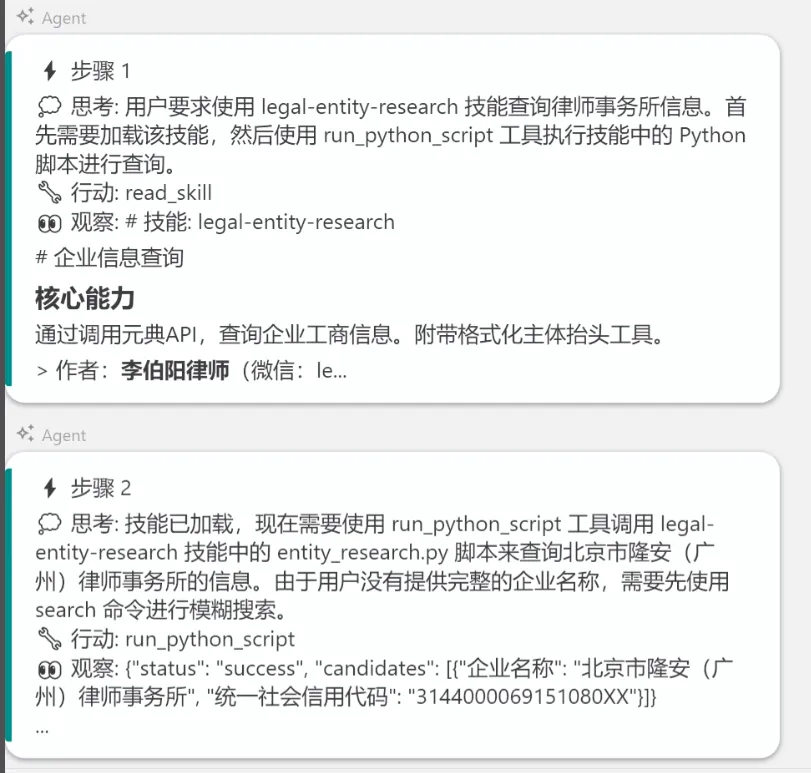
【Note: Although I’ve added instructions at the code level requiring user confirmation for dangerous actions, there’s still a possibility of bugs coexisting in both the AI and the software. It’s recommended not to let the Agent execute any file deletion operations.】
Silent Review
Another token-burning work efficiency tool in this update is the silent review feature.
This feature is off by default.
Since it involves frequent AI calls, it’s recommended to enable it only as needed.
You can also assign a small model for this task.
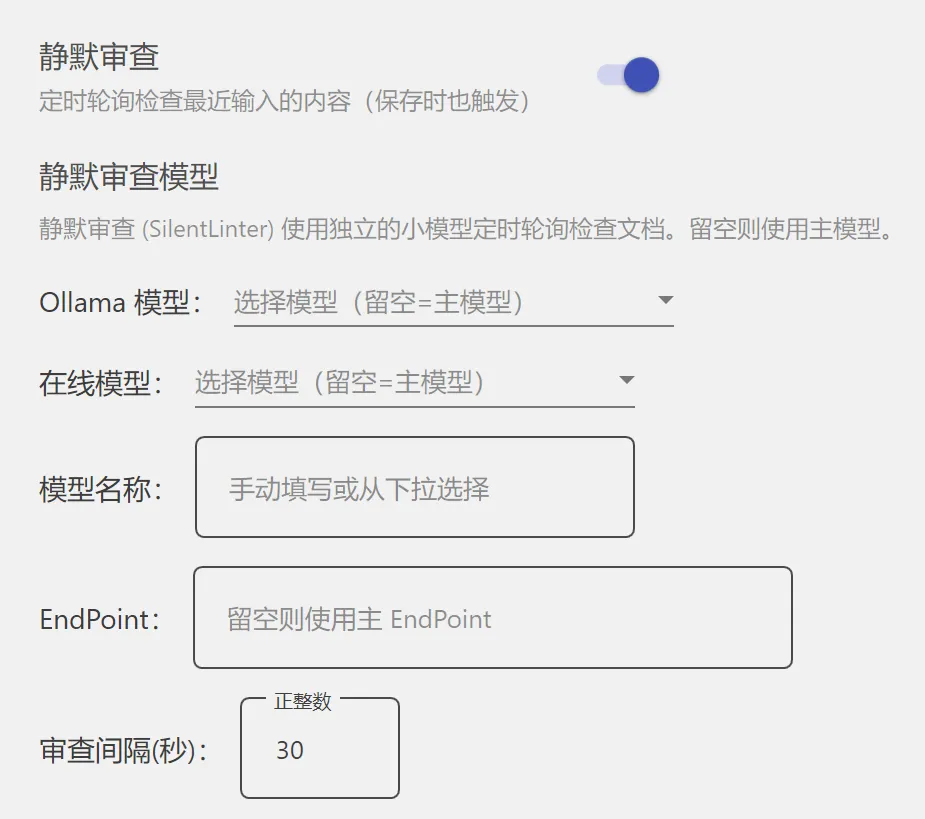
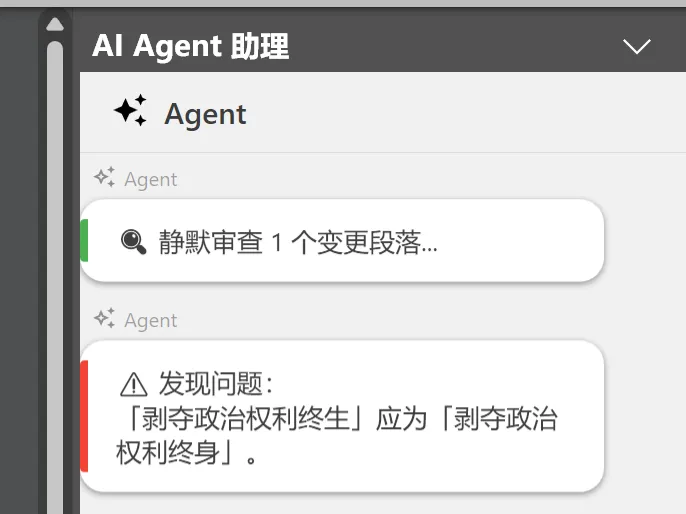
The core functionality: when the user saves a document, it will [automatically review modified paragraphs for issues]. If problems are found, they will be displayed in the Agent panel.
Other
There are also some minor updates that won’t be detailed here. If you encounter anything unclear, feel free to leave a message or contact me directly.
2. How to Install
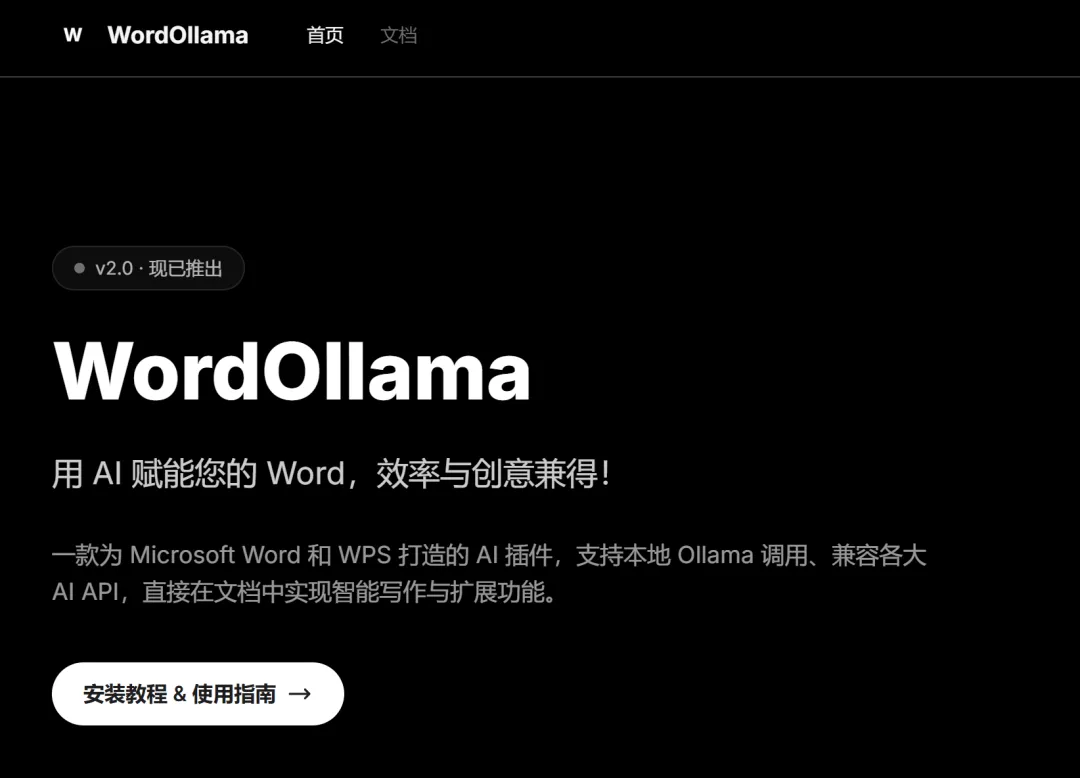
The installation method remains the same as before, but it’s now recommended to install from the following website (finally has an official site!):
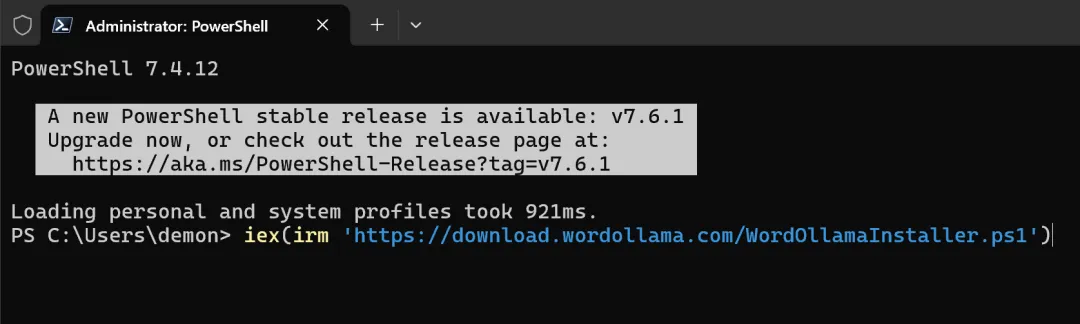
Just copy this script, paste it into a terminal (run as administrator), and execute.
iex(irm ‘https://download.wordollama.com/WordOllamaInstaller.ps1’)
Old users should get automatic updates, but it’s recommended to reinstall using the script above.
To avoid issues receiving future updates.
Users needing an offline version, please wait a bit while I figure out a more convenient encryption packaging method.
3. Final Words
Nothing much more to say.
Word 365’s Agent functionality requires a separate subscription.
WPS’s AI features require a VIP membership.
And neither supports local models, posing privacy risks.
Mine is fully compliant.
If you find it useful, feel free to recommend it to others.
Looking forward to the next major update.
(Who knows when that will be.)